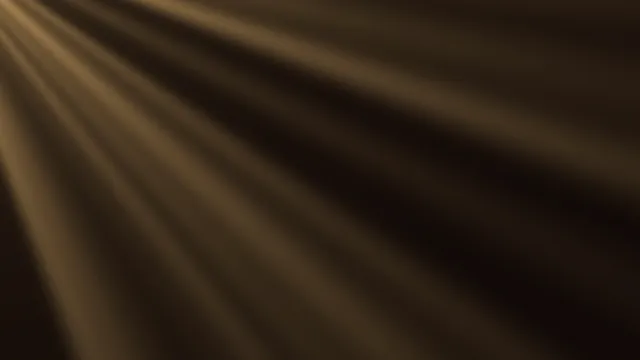
Preview is lower quality. The download is the full 1080×1920 file.
Warm Light Leaks Overlay (Vertical 9:16)
Warm orange and pink light leaks drift and glow like old film. Made on black so you can lay it over your own video with Screen blend mode. Vertical version for TikTok, Reels and Shorts. Seamless 8-second loop, 1080×1920, 30 fps. Motion graphic by Telar Labs.
Good for
Vlogs, film-look reels, transitions and dreamy edits.
How to use this overlay
Put it above your video
Place this clip on the track above your footage or photo, stretched to the full frame.
Set the blend mode to Screen
The black parts disappear and only the light stays. CapCut: select the overlay → Blend → Screen. Premiere: Effect Controls → Opacity → Blend mode → Screen. Canva: Transparency works, but Screen blend needs CapCut or a desktop editor.
Adjust the strength
Lower the overlay opacity to 40–80% for a subtle look, or keep it at 100% for a bold effect.
More tips in our how-to-use guide.